



Home › Free guides › WiFi or Internet Not Working? Quick Fixes
FREE REPAIR GUIDE

WiFi or Internet Not Working? Quick Fixes

Get your WiFi back: restart the modem and router in the right order, check lights, cables and device settings.

WiFi or Internet Not Working? Quick Fixes repair area
DIFFICULTYVery easy
ESTIMATED TIME5–15 min
TOOLSNone
POTENTIAL SAVINGSTime & a tech visitLabour estimate · varies

Know what you’re replacing.

Most home internet problems are fixed by restarting the modem and router in the right order. If that doesn't work, the router lights tell you whether the problem is your equipment or your provider.

What you’ll need.

Ethernet cableTo test without WiFi · ~$8
View on Amazon →
Mesh WiFi systemIf some rooms have weak signal · ~$100+
View on Amazon →

As an Amazon Associate, RepairAI may earn from qualifying purchases. Check that parts fit your exact model before buying.

A little preparation first.

  • Check if it's every device or just one.
  • Check your provider's outage page on mobile data.

One step at a time.

1Unplug modem and router
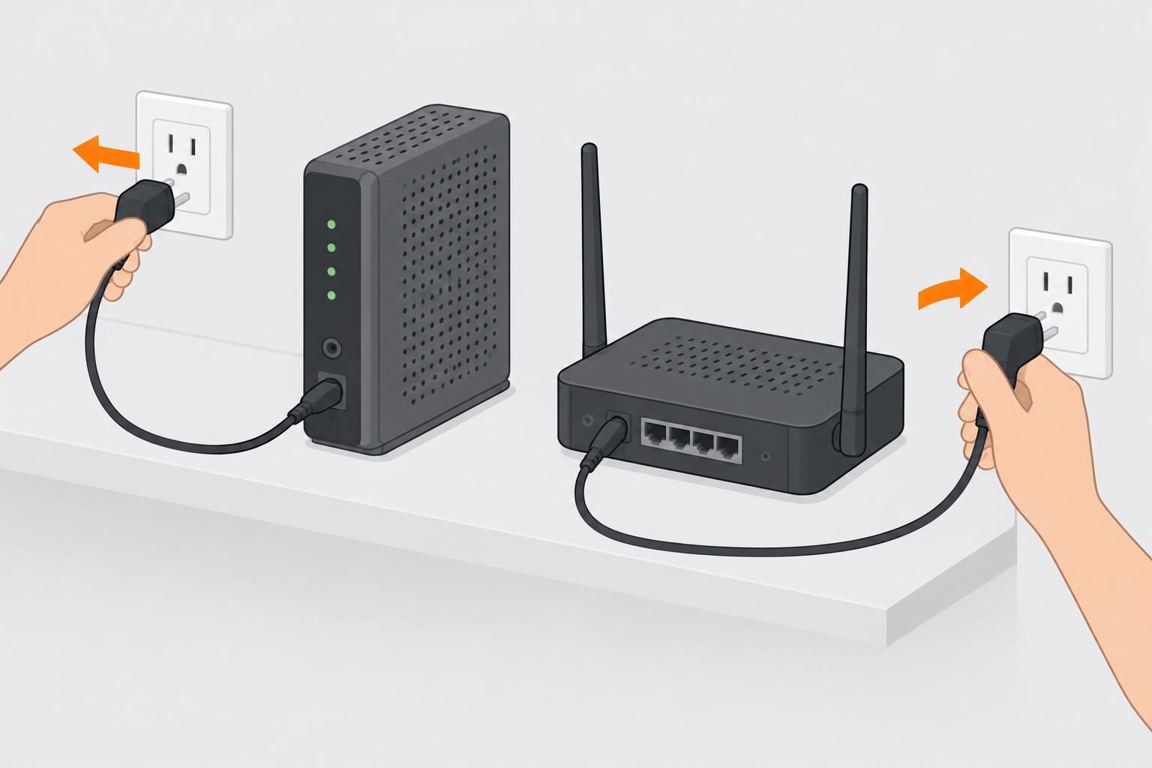
Unplug modem and router

Unplug the power from both the modem and the router (or the combo box).
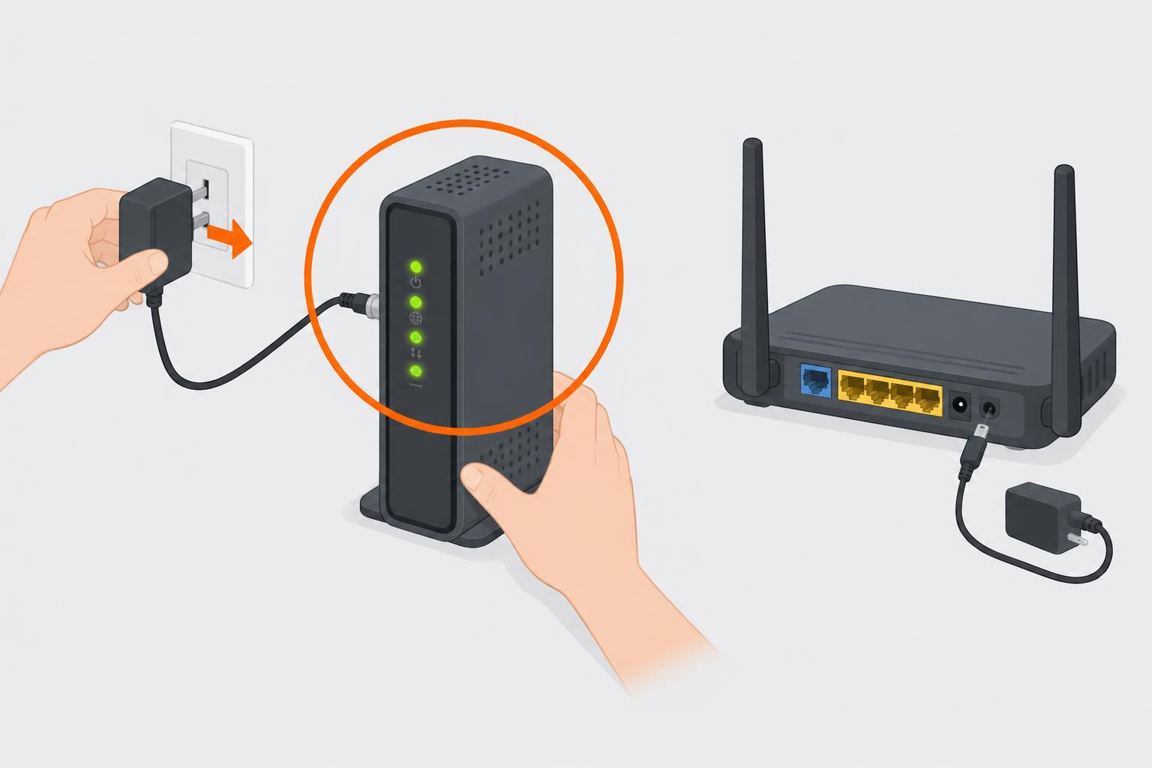
2Wait, then modem first

Wait, then modem first

Wait 30 seconds. Plug in the modem first and wait until its lights are steady (1–2 minutes).
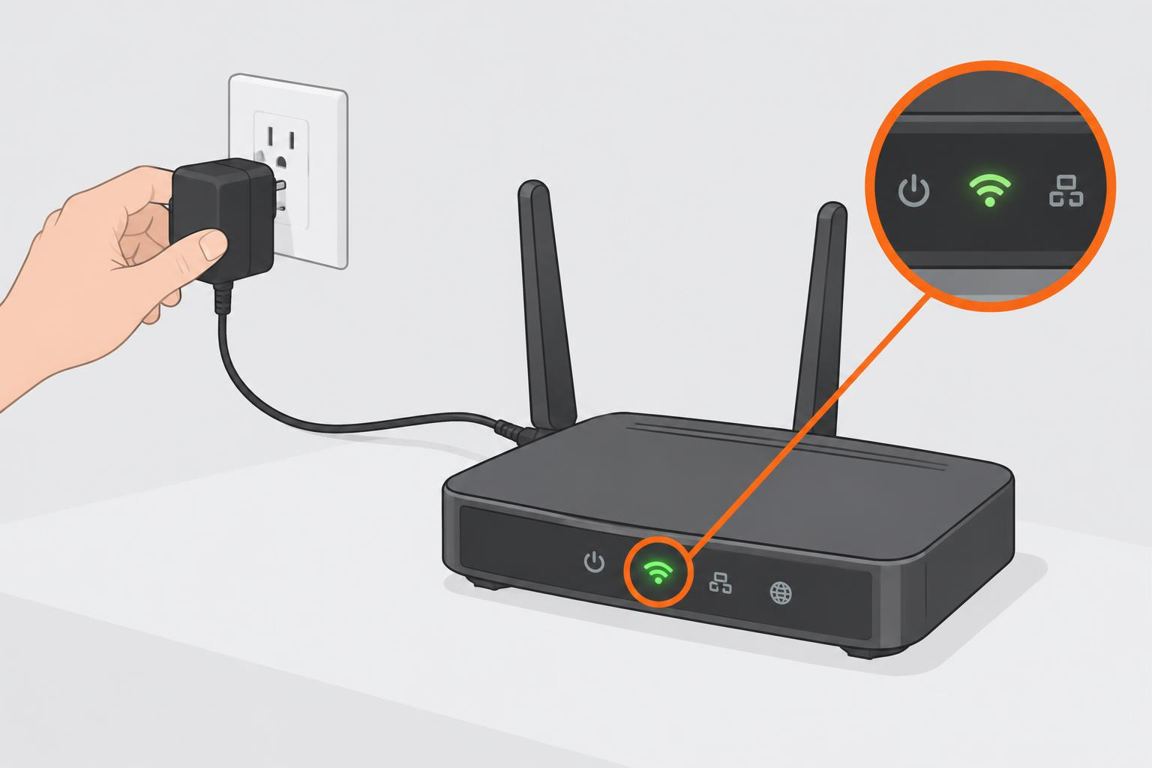
3Then the router

Then the router

Plug in the router and wait another 2 minutes.
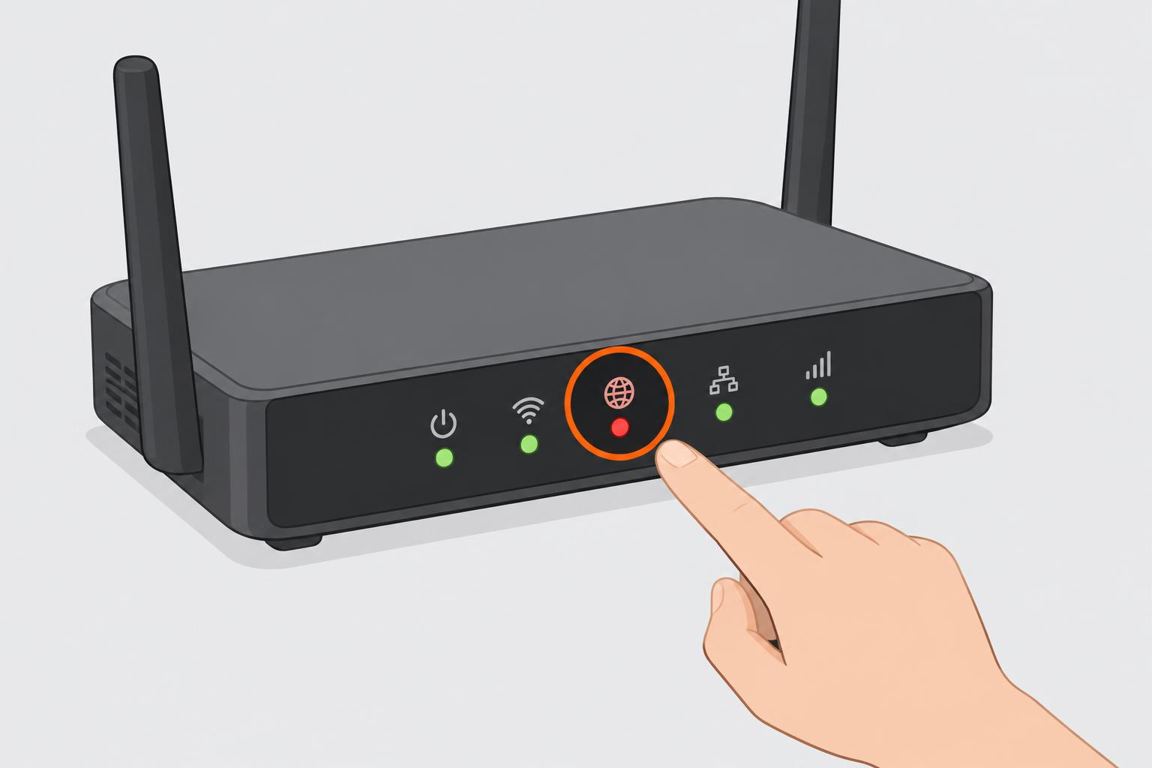
4Read the lights

Read the lights

A red or blinking 'Internet' light usually means a provider or line issue. Check the cables are firmly in.
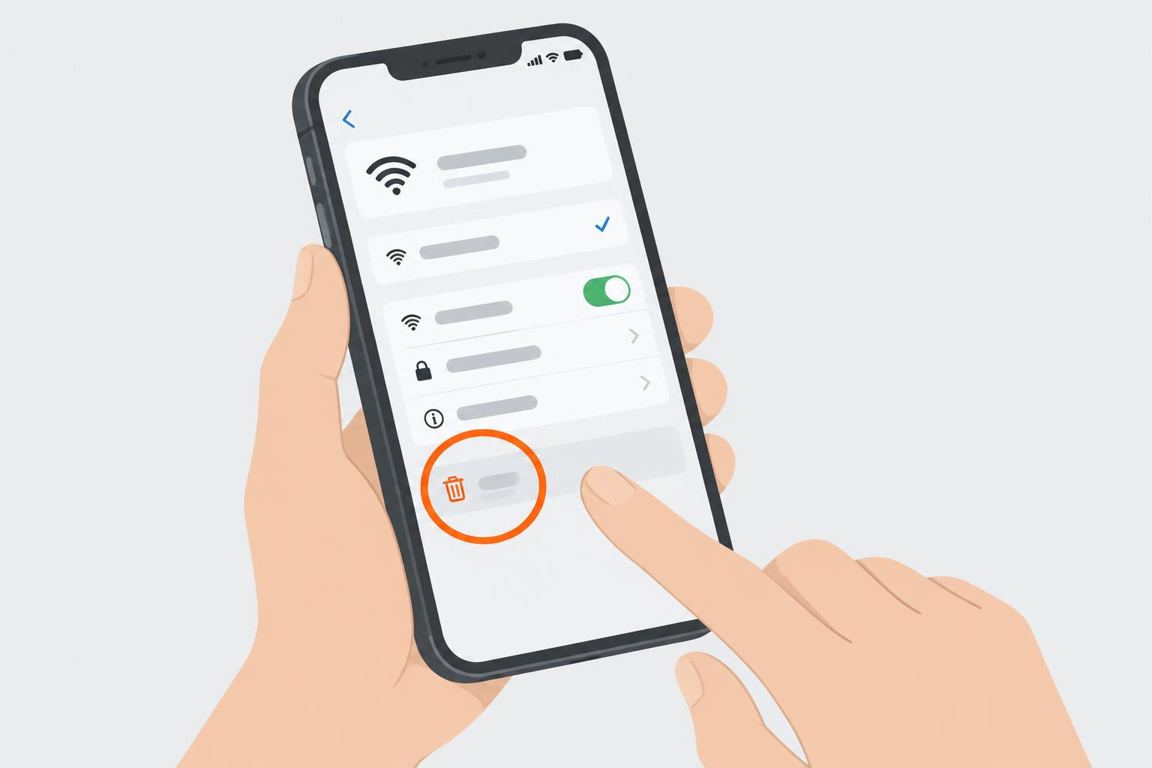
5Fix a single device

Fix a single device

If only one device fails: turn WiFi off and on, 'forget' the network and rejoin, then restart the device.

Ask RepairAI

Share a photo or describe the issue. Get guidance for your next step.

Log in

Troubleshooting

Works on cable, not WiFiRouter issue — update firmware or reset the router.Slow in some roomsMove the router up and central, or add a mesh point.Drops every eveningPossible congestion or provider issue; call them with your light pattern.

FAQ

Should I factory reset the router?Only as a last step — you'll need to set up the network again.How often to restart?Only when needed; frequent drops point to a bigger issue.

General guidance only. Turn off power, water or gas before you work and follow the manufacturer’s instructions; if unsure, call a qualified professional.