 RepairBuddy
A little help with common repair problems.
Start with what you notice. RepairAI helps you find a clearer next step.

Appliance acting up?
Unusual noise, poor drainage or an error message? Start with the symptom.
Get guidance →Something leaking?
A dripping tap or water where it shouldn’t be? Share what you can see.
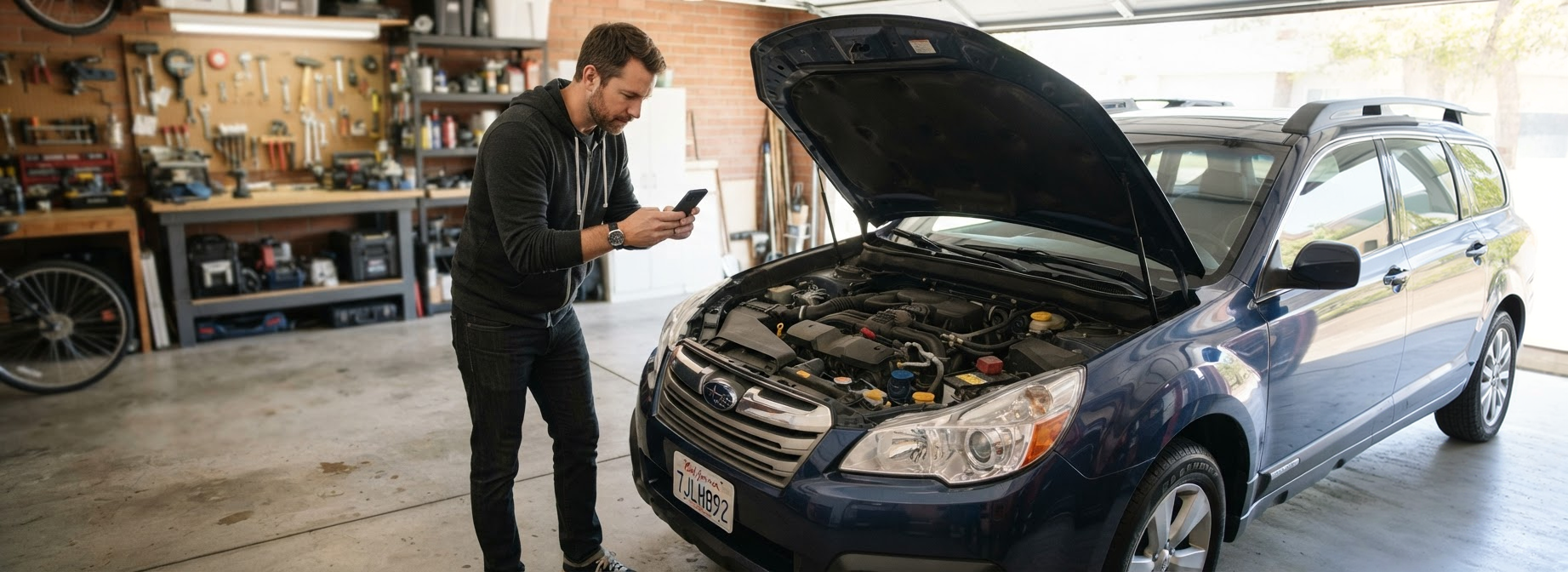
Get guidance →Car warning light?
Understand a dashboard symbol and find a sensible next step.
Get guidance →One companion for the things you rely on.
Choose a category, share the details and take it one step at a time.

FREE REPAIR GUIDES
A little know-how. A lot you can do.
Simple repairs, clear steps. Explore free guides and give your next fix a little more confidence.

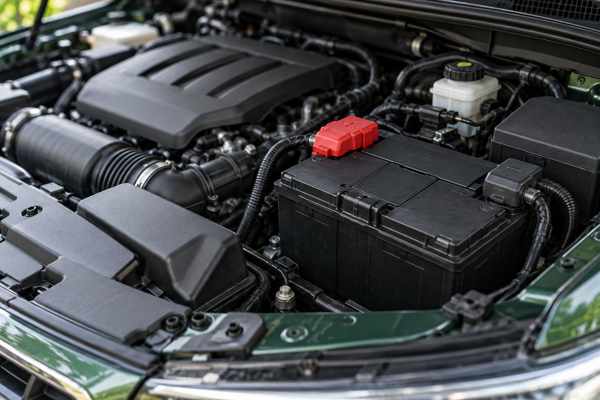


What needs fixing today?
A photo and a few words are a good place to start.
A little guidance. A lot more confidence.
Understand your next step without getting lost in technical language.
 Clear, step-by-step guidance
Break the task into manageable steps and check what you need before you begin.
 Help when you get stuck
Answer a quick question or add a photo, and RepairAI adjusts the next step to what you see.
 Your repairs, kept together
Every conversation is saved, so you can pick up where you left off.

 RepairAI“Where is the water collecting?”Example conversation
Small fixes. Useful know-how.
Explore common questions before you pick up a tool.
Washing machine not draining or spinning?
Know which details to check and share.
Read guide →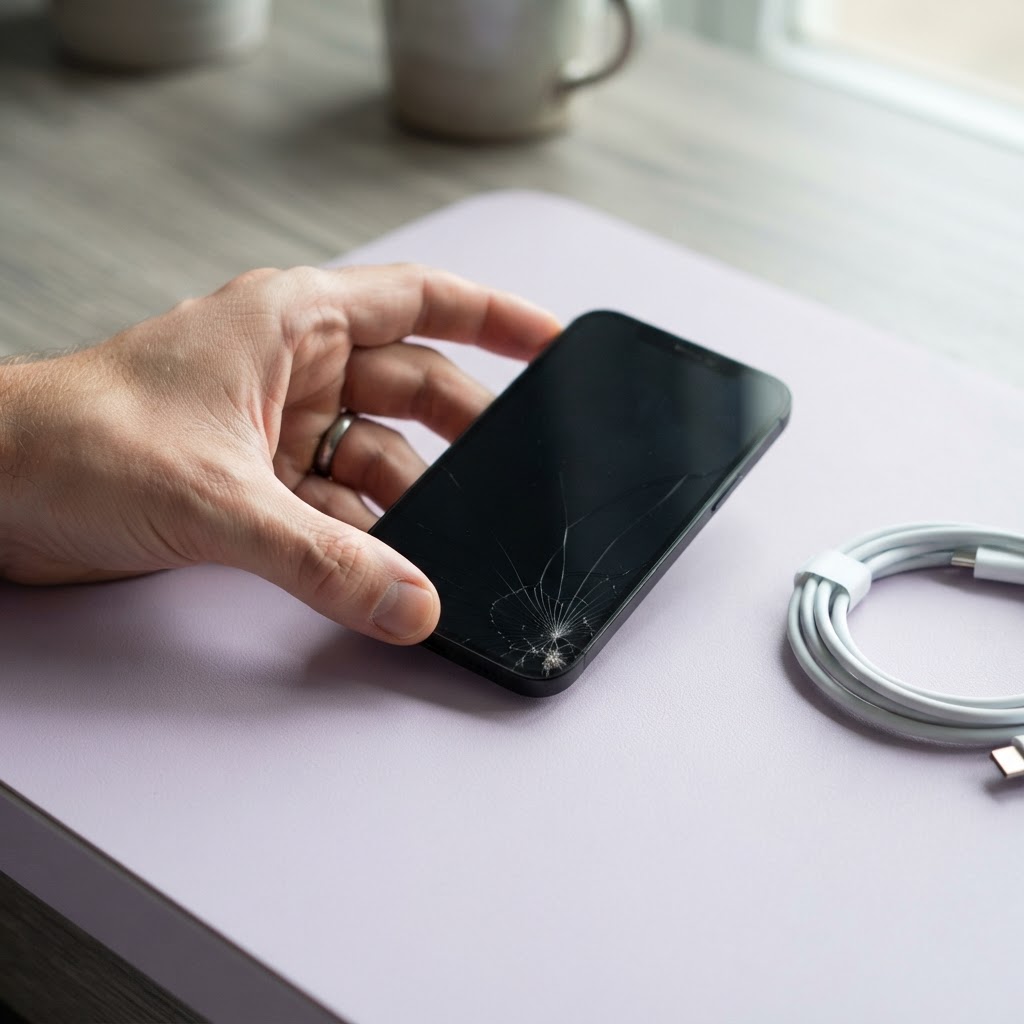
Phone won’t charge?
Start with the cable, port and symptoms.
Read guide →
Why is my tap dripping?
Identify where the water is coming from.
Read guide →
Good questions. Clear answers.
A few things to know before your first repair.
Still have a question?
Ask RepairAIWhat can I use RepairAI for?
Get help understanding everyday issues with cars, home appliances, devices and plumbing.
Do I need repair experience?
No. Describe what you notice in your own words and RepairAI explains each step in plain language.
Can I save my car and repairs?
Yes. Add your car once and every repair conversation is kept in your history.
Does RepairAI replace a professional?
No. RepairAI helps you understand the problem and decide on a next step. For anything unsafe, such as gas, mains electricity or brakes, contact a qualified professional.
What do I get when I log in?
Your own workspace: start repairs with a photo, save your vehicles and come back to past conversations.
Your repairs. All together.
Keep your vehicle details, repair history and maintenance reminders in one workspace.